

p5.js editor and live preview
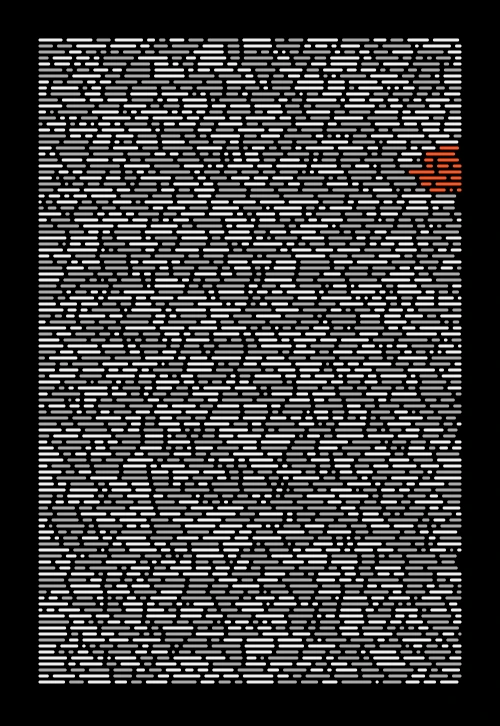
Write code with the file sidebar, editor header, and canvas preview visible in the same workspace.
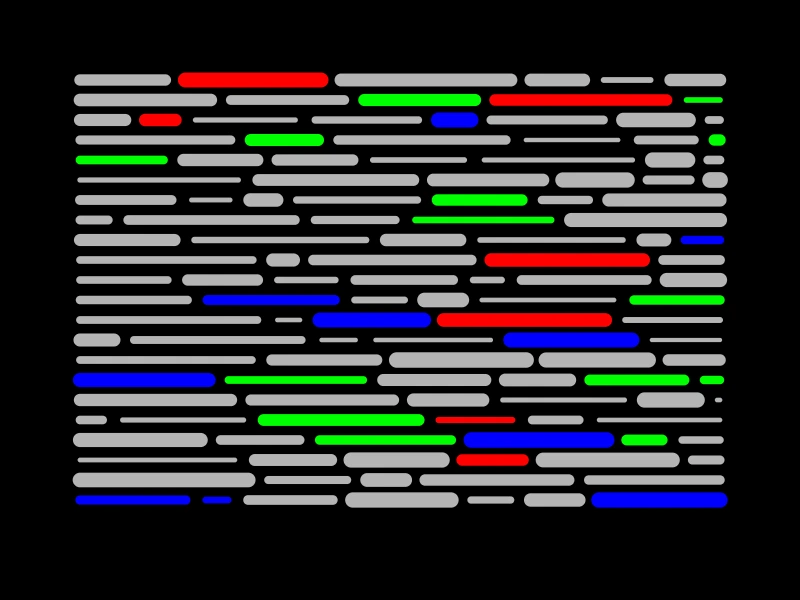
Write code beside the live canvas, tune the SVG, and download plot-ready files in the same workspace.
Free plan available during beta. No install required.
Live editor
Write p5.js code beside the canvas with instant preview.
Plot-ready files
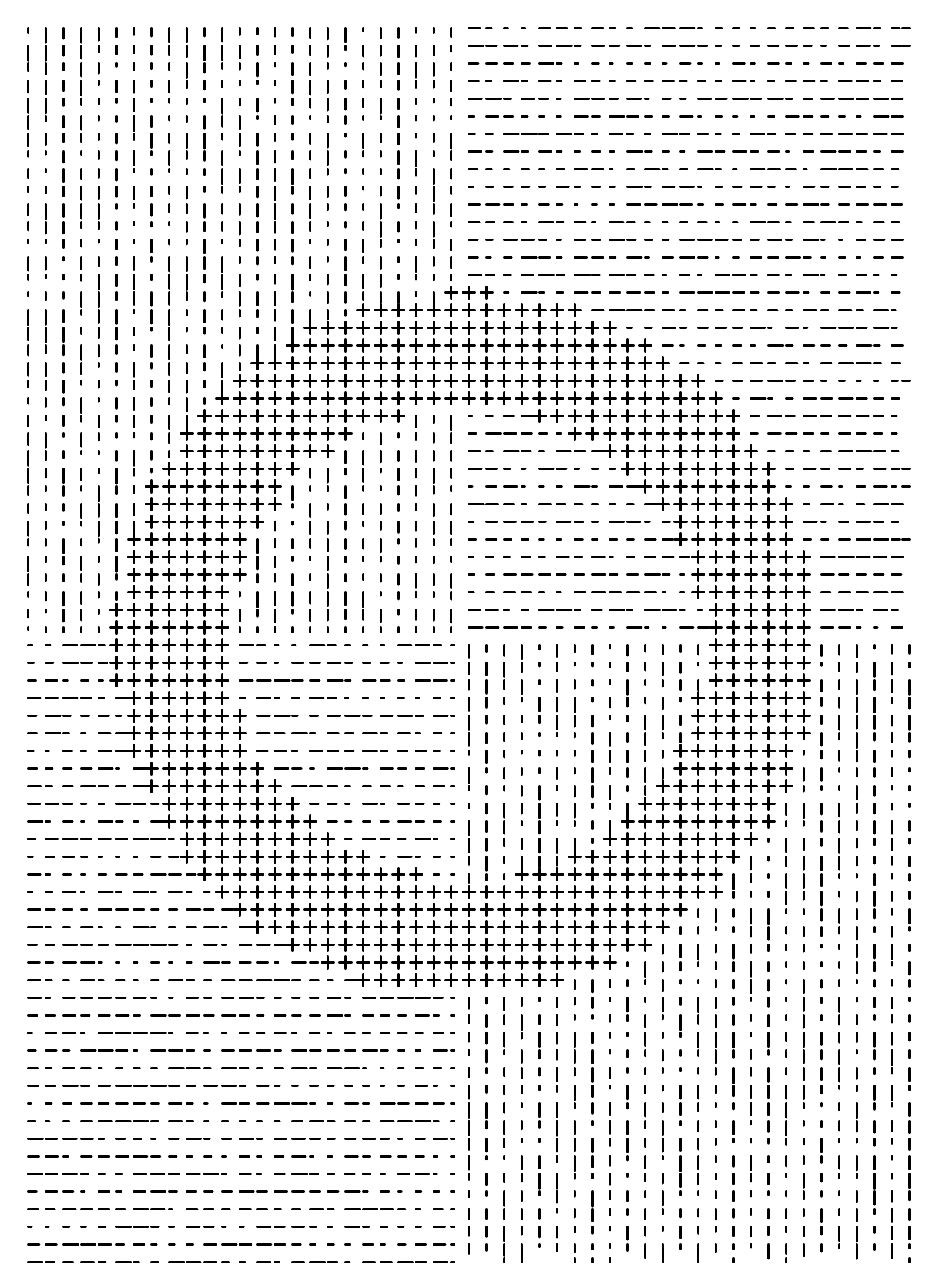
Slice to G-code or a plot-ready SVG in the Editor.
Write code with the file sidebar, editor header, and canvas preview visible in the same workspace.
01
Pick a p5.js version and keep Managed files in sync without manually rebuilding the sketch shell.

02
Turn on the OPC helper from the library picker and keep the related files and dependencies attached to the sketch.

Free and Pro plan details. Billing rollout is still in progress.
Free includes the editor and SVG and PNG downloads with no account, and the Slicer once you save a sketch.
Pro adds saving and uploads.
This section shows the public overview.
Signed-in settings show your storage use.
Available now
The editor, with no account required. Sign up for a slot to keep your sketch in and slice it to G-code.
No account needed for the editor.
Without an account, your sketch lives in the browser tab and reloading clears it.
Start CreatingBeta rollout
Everything in Free, plus room to grow. Unlimited sketches and more storage.
Pricing coming soon
Billing opens after the current beta rollout.
Billing opens after the current beta rollout.
FAQ
The basics about what the free account includes, how the sketch slot works, and what happens to your sketches while the product is still settling.
Still have questions? Contact us.

Built by Tiago Melo
I'm a game developer and aspiring artist, and I built p5plotter so I could sketch, refine, and process my pen-plotter ideas without bouncing between tools. The app is still in beta, so expect a few rough edges, but I'm sharing it early with the community to hear what you think and how we can polish it together.